
Stay Connected: Creating a Comfortable Video Call Spot for Family
5 min read

In today's connected world, video calls have become a wonderful way to bridge distances and keep in touch with family, no matter how far apart you may be. Seeing the smiles and hearing the voices of your loved ones can bring immense joy and a sense of closeness. For many, especially older adults, these virtual visits are a cherished part of staying connected and vibrant.
Setting up a dedicated, comfortable spot can make all the difference in enjoying these conversations to the fullest. This guide will walk you through easy, practical steps to create a welcoming and comfortable space that enhances your video call experience, making it a simple pleasure rather than a chore.
Choosing Your Spot Wisely
The right location can significantly improve your video call experience. Look for a quiet corner in your home where you can have conversations without too many distractions. A spot with good, natural light is often ideal, as it helps you appear clearly to your family. Try to face a window or a well-lit area, avoiding sitting with a bright light source directly behind you, which can make you appear as a silhouette.
Consider the background too. A simple, uncluttered wall or a bookshelf can provide a pleasant backdrop without drawing attention away from you. A bit of greenery from a houseplant can also add a nice, welcoming touch.
Prioritising Comfort and Support
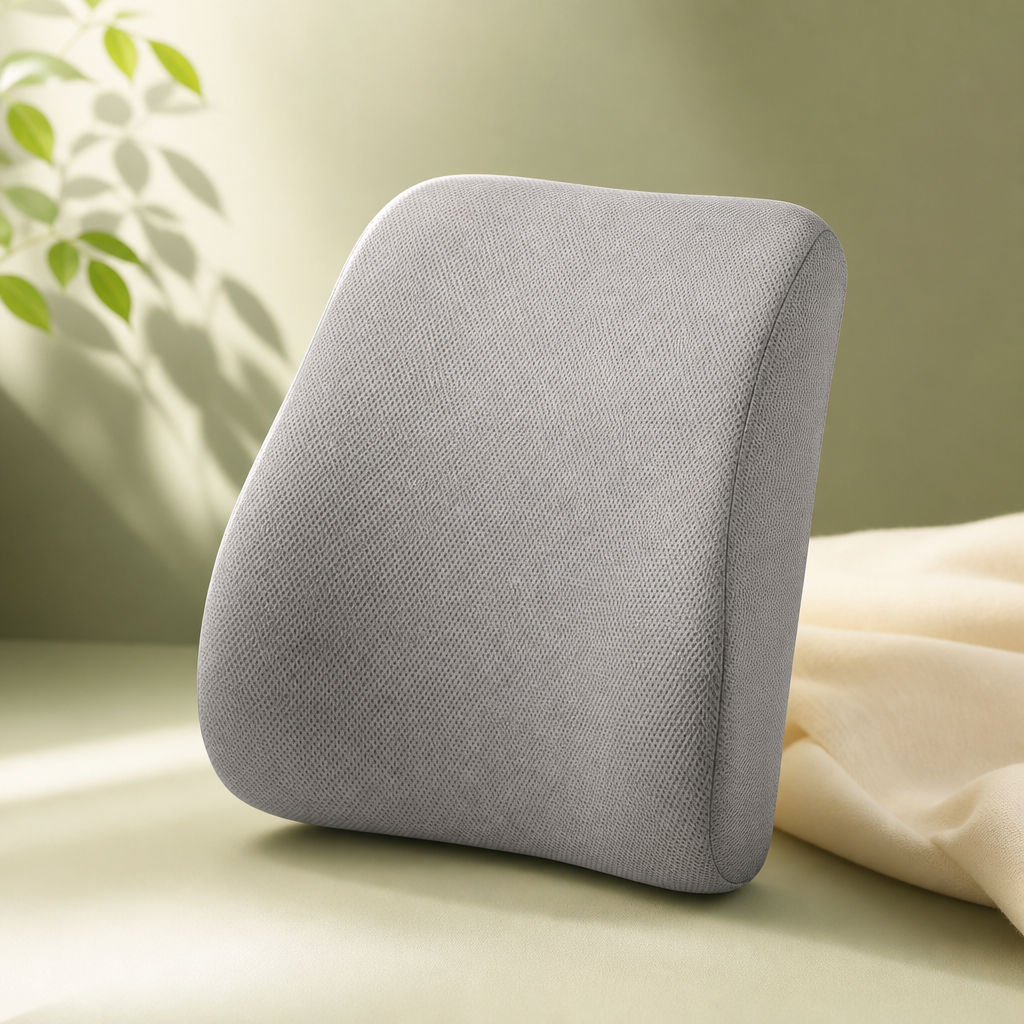
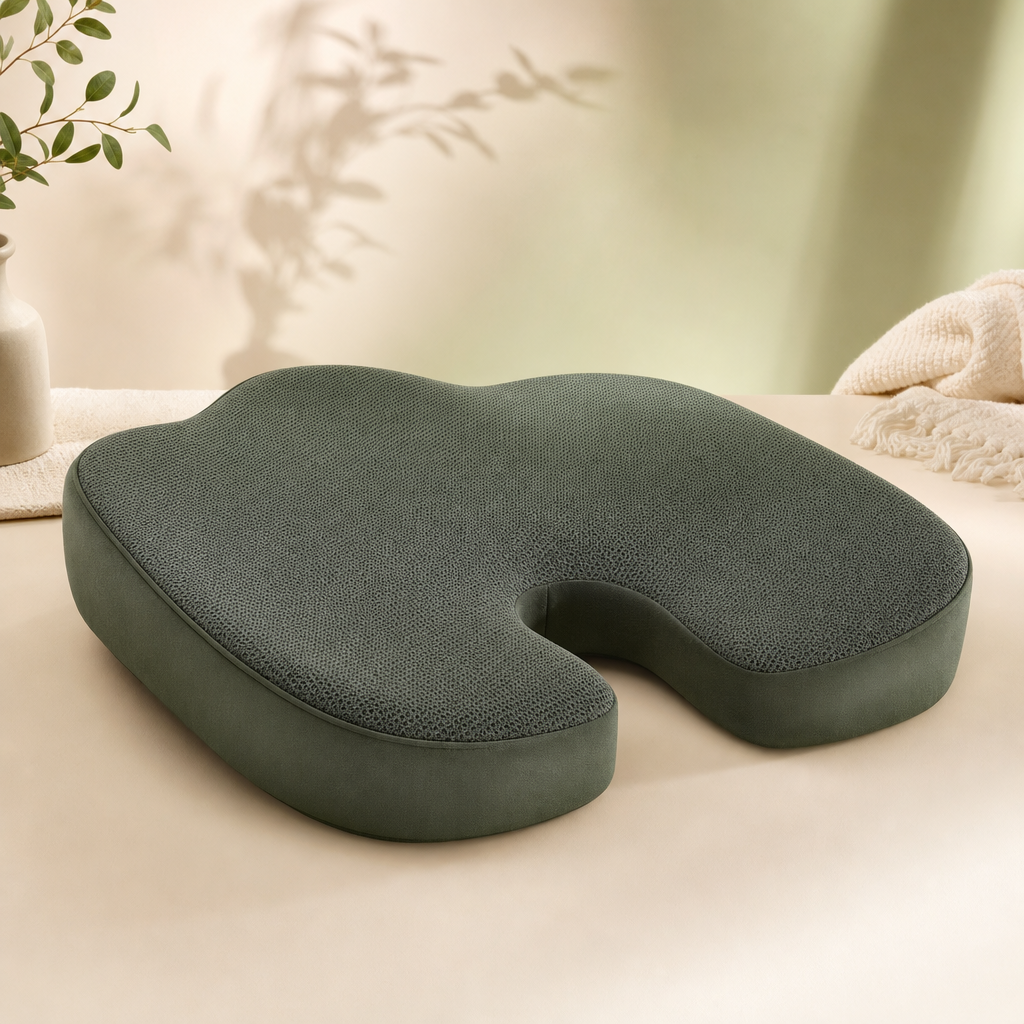
Longer video calls can sometimes lead to discomfort if you're not properly supported. A comfortable chair is key – one with good back support helps you sit upright and relaxed. If your current chair could use an upgrade, a supportive cushion for the seat or back can add extra comfort and help you maintain good posture.
Think about your feet too. A small footrest can make a big difference, helping to relieve pressure and keep you comfortable throughout your chat. An adjustable table or stand is also incredibly helpful for positioning your device at the right height, reducing neck strain and making it easier to interact naturally.
Making Tech Easy and Accessible
Even if technology isn't your strong suit, setting up your device for an optimal video call is simpler than you might think. Place your tablet, laptop, or phone on a stable surface at roughly eye level. This helps you look directly at the camera, giving the impression of making eye contact with your family. A sturdy stand designed for devices can be very useful here, ensuring stability and the perfect angle.
Good audio is just as important as good video. Ensure your device's volume is set to a comfortable level. If you find it hard to hear or be heard, consider using a simple headset or earphones with a built-in microphone. These can help to reduce background noise and ensure your voice comes through clearly, making conversations much more enjoyable.
A Few Extra Touches for a Pleasant Chat
Once your spot is set up, a few small additions can make your video calls even more delightful. Keep a glass of water or a warm cup of tea nearby to stay refreshed. Having a familiar item within view, like a favorite photo or a small decorative piece, can add a personal touch to your space. Lastly, before connecting, take a moment to ensure you won't be interrupted, allowing you to fully immerse yourself in the conversation and cherish the time with your loved ones.
Cherish Every Connection
Creating a comfortable and inviting space for video calls doesn't have to be complicated. By following these simple steps, you're not just setting up a corner in your home; you're cultivating a welcoming hub for connection, laughter, and shared moments with your family. These virtual visits are invaluable for maintaining strong bonds and nurturing relationships, bringing joy and comfort to everyone involved.
Frequently asked questions
Featured products
A gentle note
The products featured on EverEase24 are everyday comfort, safety and convenience aids — not medical devices. Nothing on this site is intended to diagnose, treat, cure or prevent any condition, and our descriptions are not medical advice. Please follow each manufacturer's instructions, and consult a qualified professional for any health concern or before making changes for someone with a medical condition. We independently choose what we recommend; when you buy through our Amazon links we may earn a small commission at no extra cost to you.